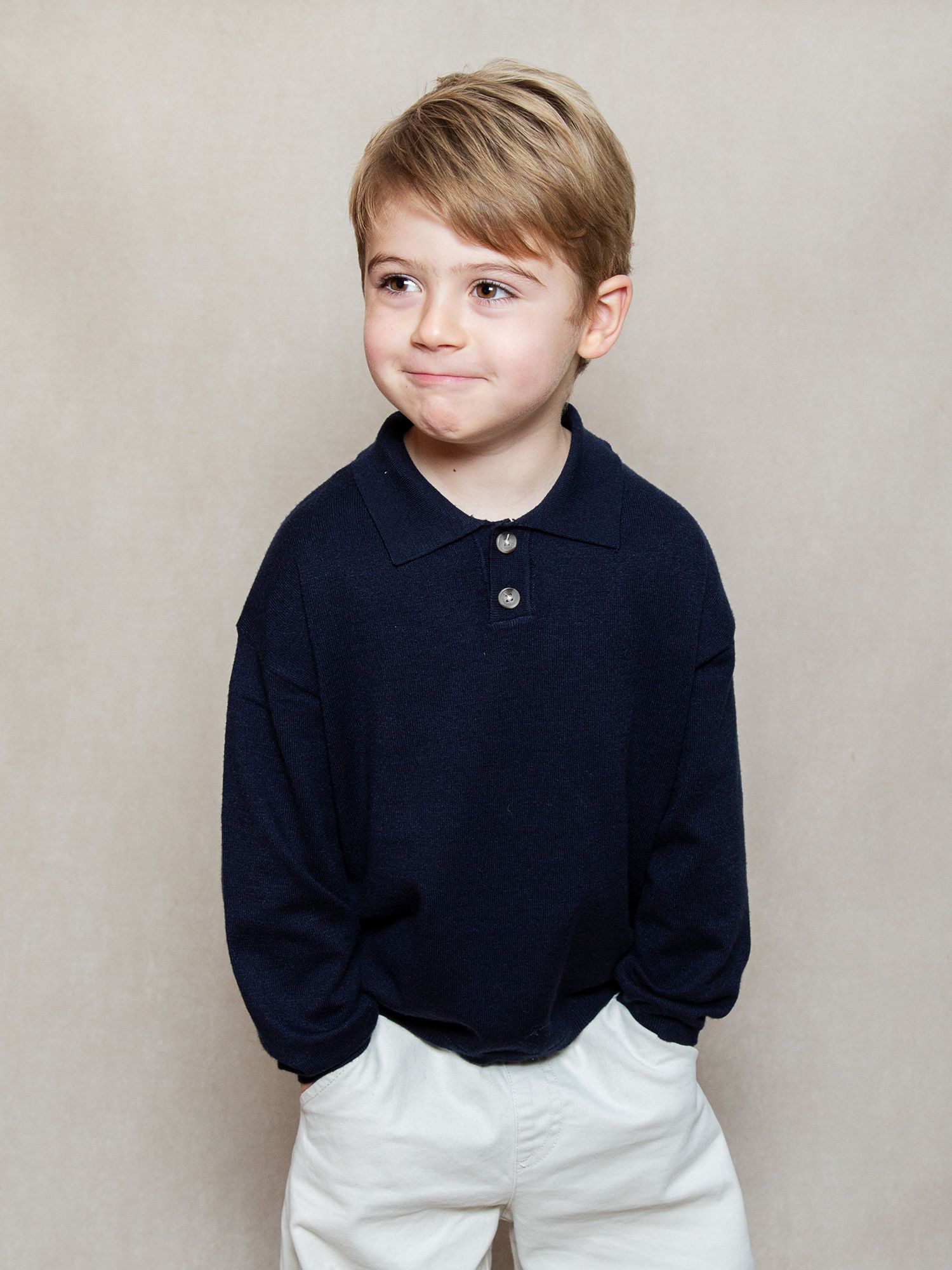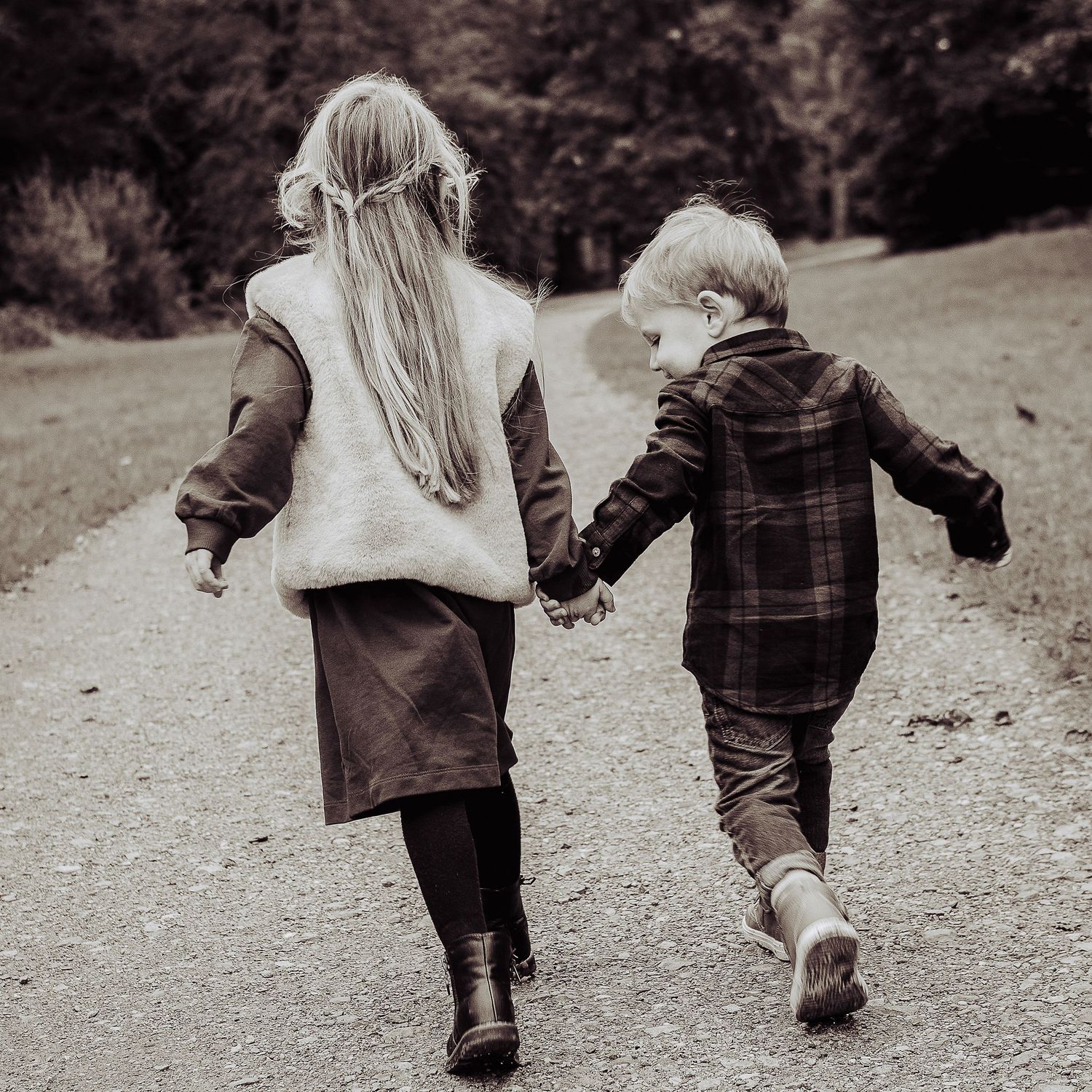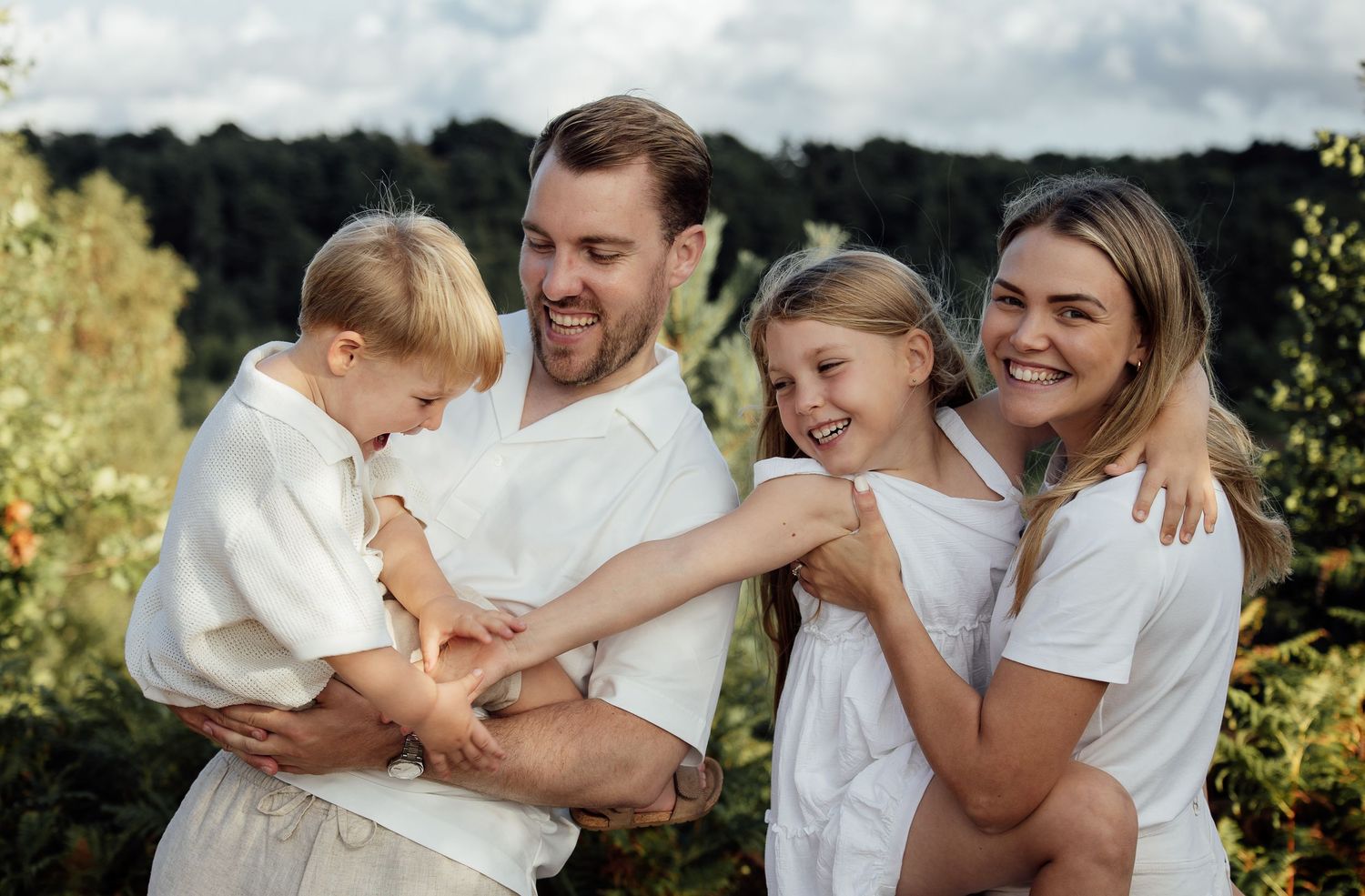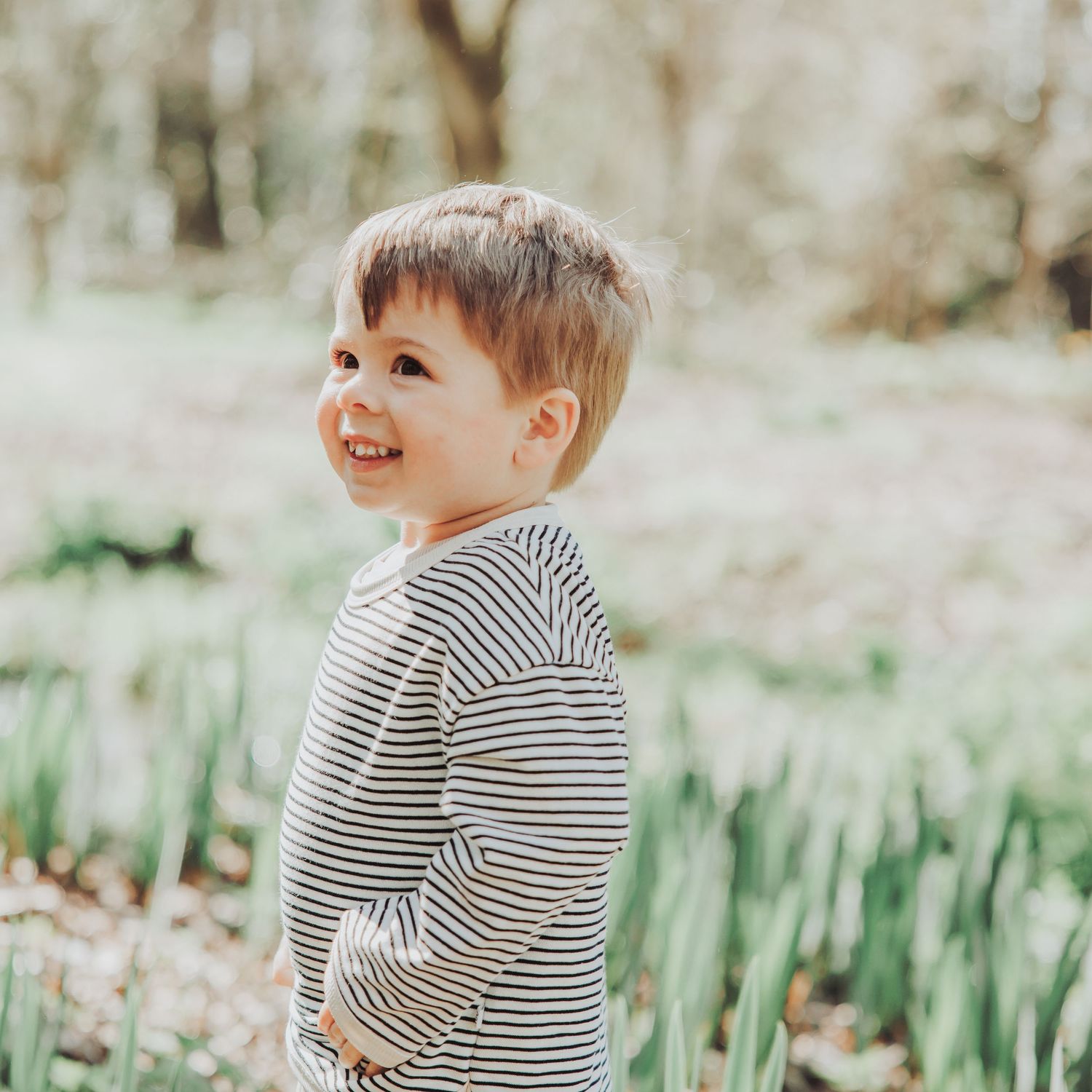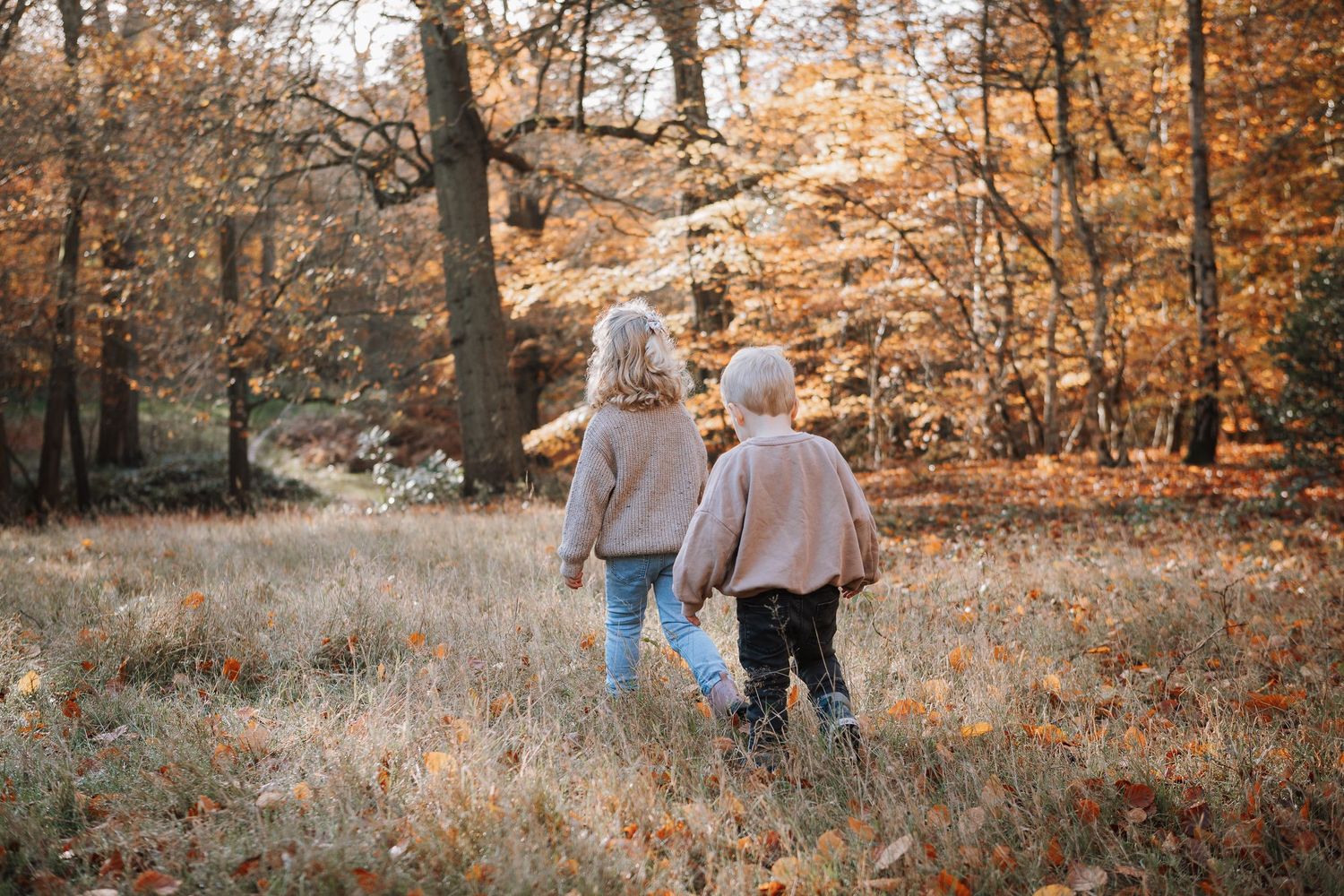
When your child's photos are ready to view!


Ordering through our secure online system is quick and easy. Follow the simple steps below to access your private gallery and choose your favourite images.


Step-by-Step: How to Order

Step 1: Find Your Access Code

You should have received:

Paper QR card sent home with your child:

  • Website address (e.g., littlestories.gotphoto.com)
  • Your unique access code

Can't find your access code?

Contact us at hello@littlestories.uk with your child's name & class and we will resend it.


Step 2: Access Your Photos

The easiest way is on a smartphone or tablet:

  1. Scan the QR code on the card with your camera
  2. You'll be automatically directed to your gallery
  3. Enter your access code when prompted


On a computer or if QR scanning doesn't work:

  1. Type the website address directly into your browser's address bar
  • Example: littlestories.gotphoto.com
  • ⚠️ Important: Type it into the address bar at the top, NOT into Google search

You'll see a login page asking for your access code

  1. Enter your unique access code (shown as "2" on your card)
  2. Click "Login" or press Enter


If you have more than one child, we will photography your children together.


Step 3: View Your Child's Photos

Once logged in, you'll see your child's private gallery

Step 3: View Your Child's Photos

What you'll see:
• Individual portraits of your child
• Any sibling photos (if applicable)
• Group/class photos (if taken)
Take your time browsing through all the images. You can zoom in, compare different expressions, and choose your favourites.
No obligation to purchase!
Viewing your photos is completely free. You're under no pressure to order if nothing feels quite right.

When you're ready to order, simply click on the photos you love

Step 4: Choose Your Products

Print Packages:
• Various size options and combinations
• Value packages with multiple prints

Individual Prints:
• Choose specific sizes
• Order as many or as few as you like

Digital Downloads:
• High-resolution digital files
• Perfect for sharing with family or printing yourself

Gift Products:
• Keyrings, magnets, and other keepsakes
• Great for grandparents!

You can mix and match — order a package AND add extra individual items if you'd like.

Step 5: Add to Basket & Checkout

1. Review your basket
Check you've selected everything you want

2. Apply any discount codes
If you have a promotional code (e.g., from Instagram!), enter it here

3. Enter delivery details
Choose home delivery or collection through school

4. Complete payment
We accept all major credit/debit cards. Payment is secure and encrypted.

5. Confirmation
You'll receive an email confirmation with your order details
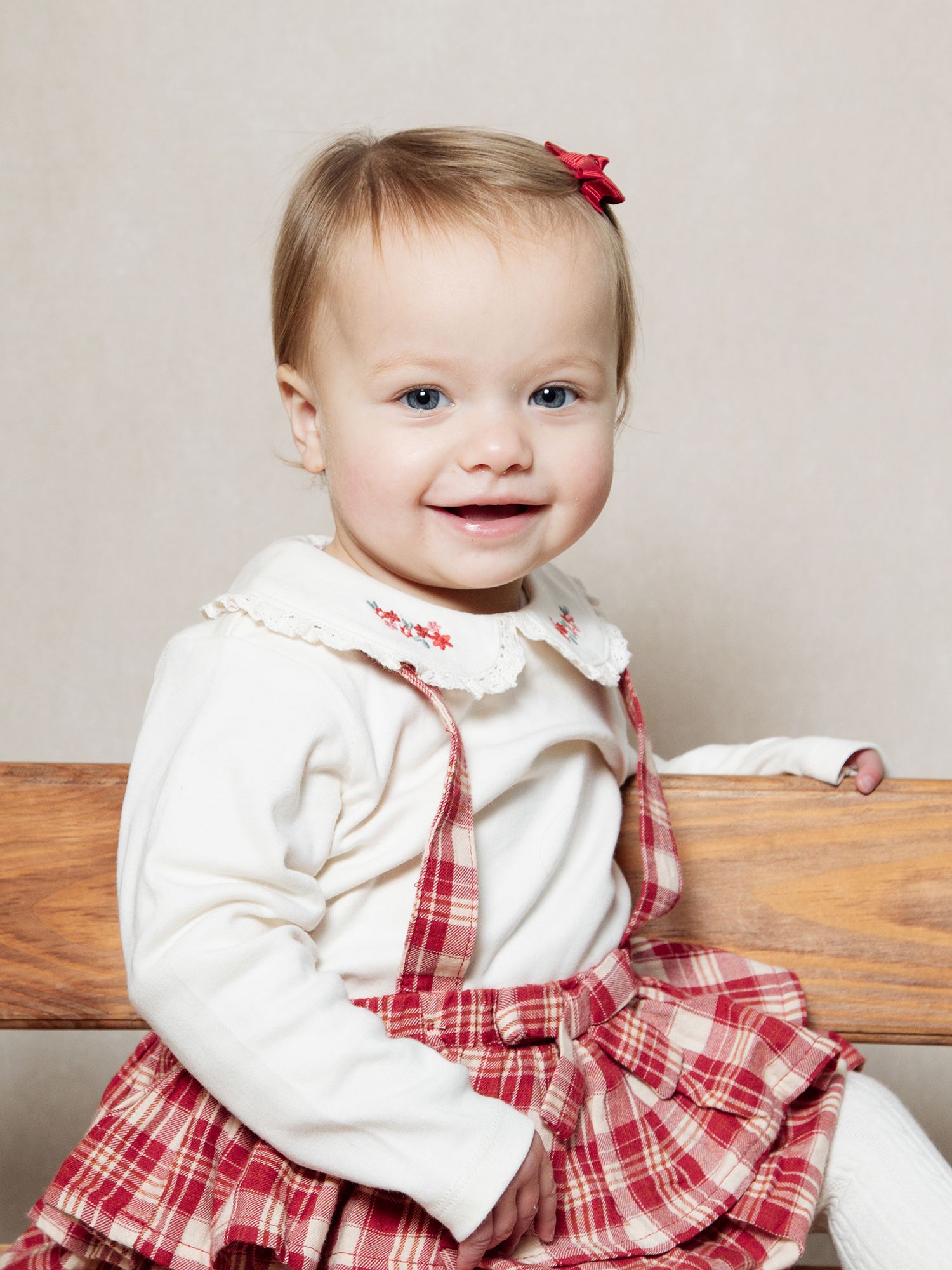
Step 6: Receive Your Photos


If you have ordered your photos with the 10% discount code they will be delivered to your nursery and we will keep them updated on the delivery date.


Delivery:

  • Home delivery: Posted directly to your address
  • School collection: Delivered to school for your child to bring home (if this option was selected)

You'll receive tracking information by email, so you know when to expect your photos.

Frequently Asked Questions

When will I receive my access code?


Access codes are typically given out the same week of after photo day. This gives us time to carefully edit all the photographs and upload them to the system.


If it's been longer than 2 weeks and you haven't received anything, contact your school.

How long do I have to order?


Your gallery will remain open for ordering for about 4-6 weeks.

After this date, the gallery closes and photos are archived.

We will send you reminders though!

Can I see my photos before ordering?


Yes! Viewing your photos is completely free with no obligation to purchase.

You can browse your gallery as many times as you like before the closing date. Take your time, show family members, and only order when, you're sure.


What if I don't like any of the photos?


We work hard to capture beautiful, natural images of every child, but we understand personal preferences vary.


If it's a matter of preference (wished they'd smiled more, didn't like the expression, preferred a different angle), we can't offer reshoots but you're under absolutely no obligation to purchase.

Can I order just digital files?


Yes! You can order:

  • Digital downloads only
  • Prints only
  • Or a combination of both

Digital files are high-resolution, perfect for printing yourself or sharing with family digitally.

Can I share my access code with grandparents?


Anyone with your access code can view AND order from your child's gallery. If you share it with grandparents:

  • Make sure you coordinate who's ordering what to avoid duplicates
  • Be aware they'll have access to place orders on your account

Alternatively, you could:

  • Order on their behalf and arrange payment separately
  • Order digital downloads and send them the files to print themselves


Can I edit or cancel my order after placing it?


Before photos are sent to print:

Contact us immediately at hello@littlestories.uk If we haven't sent your order to our lab yet, we can make changes or cancel with a full refund.


After photos are printed:

Unfortunately orders cannot be cancelled once they've gone to production. Please review your basket carefully before completing checkout.

What payment methods do you accept?


We accept:

  • All major credit cards (Visa, Mastercard, American Express)
  • Debit cards
  • Secure online payment through our encrypted system

We do NOT accept:

Cash, Cheques, Payment at school

All payments must be made online through the secure ordering system.

Is my payment secure?


Our ordering system uses industry-standard encryption and secure payment processing. Your card details are never stored and the system is fully PCI compliant (the same security standards used by banks).

Will my photos be retouched?


All photos are professionally edited for:

  • Colour correction
  • Exposure and brightness
  • Overall quality

We do some additional retouching::

  • Skin (spots, marks, eczema)
  • Scratches or bruises
  • Clothing marks


If you require specific retouching, contact us to discuss options (additional fees may apply).

Can I order more prints later?


While your gallery is open: Yes! Log back in and place another order any time before the closing date.

After your gallery closes: Unfortunately, not through the online system. Contact us directly at hello@littlestories.uk

What if the photos arrive damaged?


We take great care with packaging, but occasionally damage can occur in transit.

If photos arrive damaged:

  1. Take photos of the damage
  2. Contact us immediately at hello@littlestories.uk
  3. We'll arrange replacements at no charge

Please report damage within 7 days of delivery.

Can I use my photos on social media?


Can I use my photos on social media?

Digital downloads: Yes! Once purchased, you're free to share them on social media, use as profile pictures, send to family, etc.

Important note: Please respect your child's school's social media policy. Some schools request you don't post photos that include other children.

I have another question not covered here


We're always happy to help!

📧 Email: hello@littlestories.uk

🌐 Website: www.littlestories.uk

We typically respond within 24 hours (weekdays) and will do our best to resolve any issues quickly.